Introduction
The UP CNET Admit Card 2026 has been officially released, and candidates appearing for the Common Nursing Entrance Test (CNET) can now download their hall ticket online. The examination is scheduled to be conducted on 06 June 2026, making this a crucial time for aspirants to finalize their preparation.
In this guide, you will learn how to download the admit card, important exam-day instructions, eligibility criteria, preparation tips, required documents, and frequently asked questions. If you are appearing for the UP CNET 2026 examination, this article contains everything you need before exam day.
Table of Contents
- UP CNET Admit Card 2026 Overview
- Important Dates
- Eligibility Criteria
- How to Download UP CNET Admit Card 2026
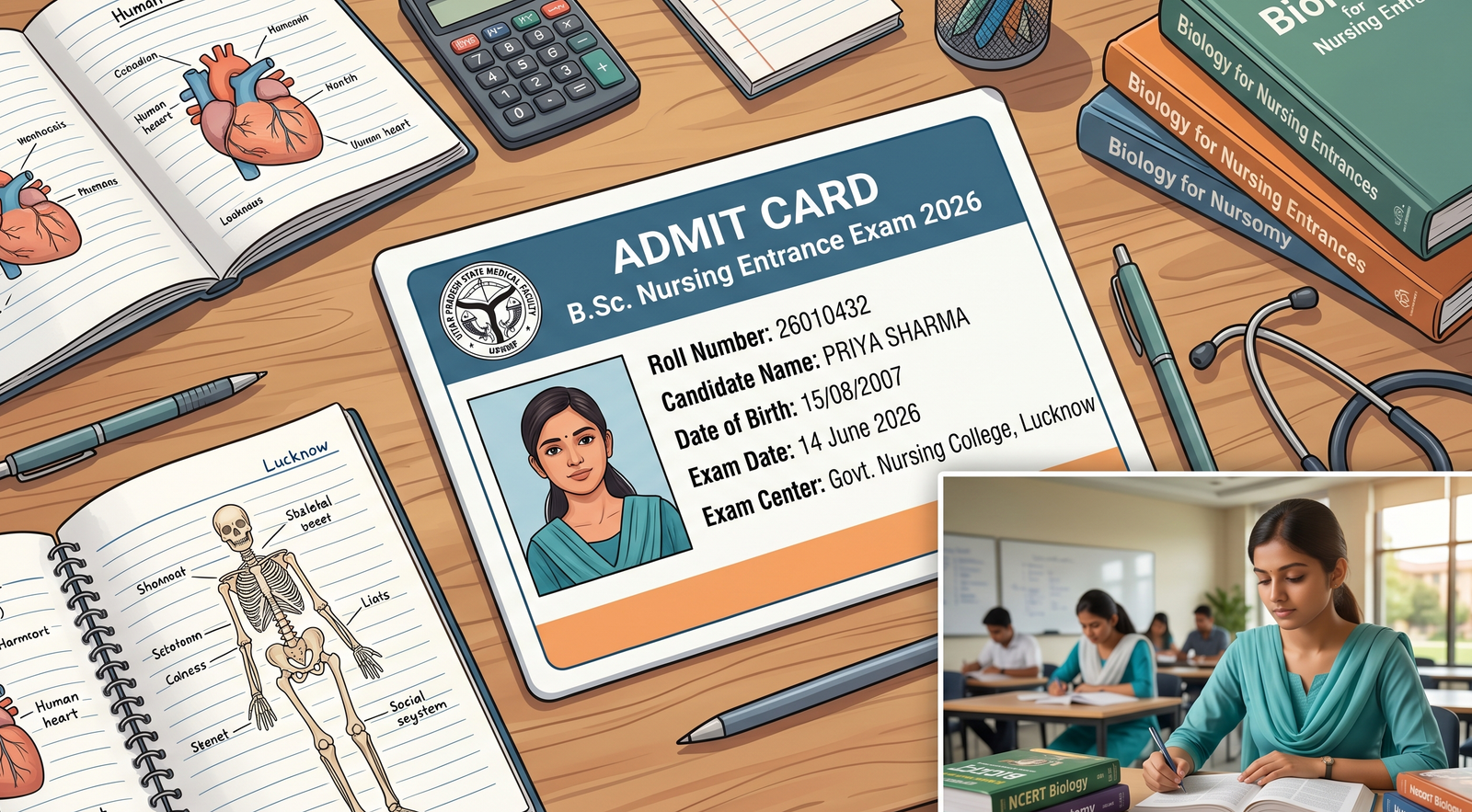
- Details Mentioned on Admit Card
- Important Symbols and Instructions
- Documents Required at Exam Centre
- UP CNET 2026 Exam Pattern
- Preparation Tips for Exam
- Common Mistakes to Avoid
- Latest Updates
- Key Takeaways
- FAQs
UP CNET Admit Card 2026 Overview
The Common Nursing Entrance Test (CNET) is conducted for admission into various nursing programs across Uttar Pradesh. The admit card serves as an essential document for entry into the examination hall.
Quick Highlights
| Particulars | Details |
|---|---|
| Exam Name | UP CNET 2026 |
| Conducting Authority | ABVMU, Uttar Pradesh |
| Admit Card Status | Released |
| Admit Card Link | Active |
| Exam Date | 06 June 2026 |
| Exam Mode | Offline (OMR Based) |
| Category | Admit Card |
| Official Website | ABVMU Official Portal |
Important Dates
UP CNET 2026 Schedule
- Admit Card Release Date: Available Now
- Exam Date: 06 June 2026
- Reporting Time: As mentioned on admit card
- Result Date: To be announced
Candidates should download and print their admit card well before the examination date to avoid last-minute issues.
Eligibility Criteria
Candidates applying for UP CNET 2026 must meet the prescribed eligibility requirements.
Educational Qualification
- Passed or appearing in Class 12 examination.
- Must have studied Science subjects.
- Minimum qualifying marks as per official notification.
Age Limit
- Minimum age generally required: 17 years.
- Age relaxation applicable as per government rules.
Applicants are advised to verify the detailed eligibility conditions mentioned in the official notification.
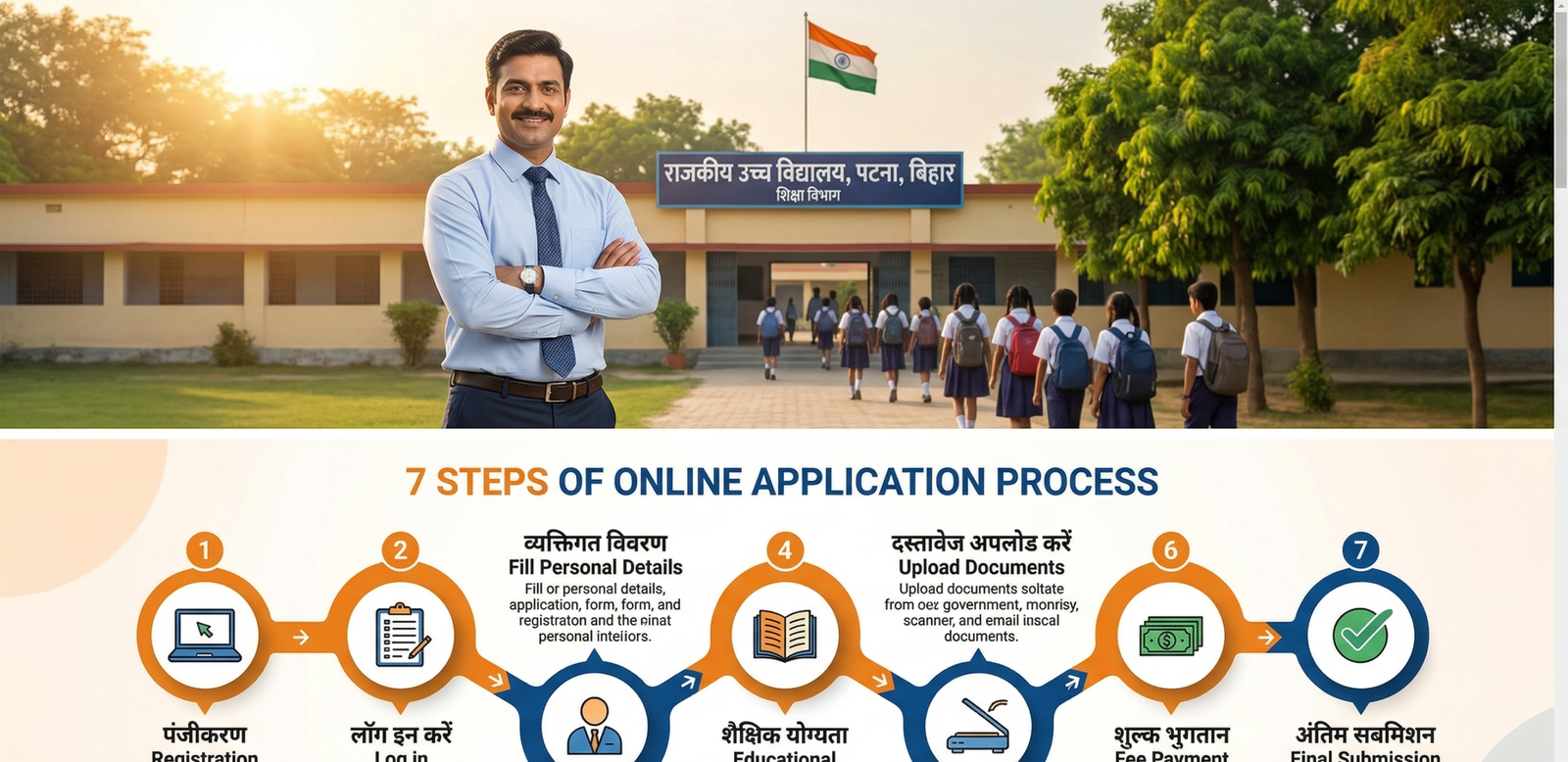
How to Download UP CNET Admit Card 2026
Follow these simple steps:
Step 1
Visit the official UP CNET portal.
Step 2
Click on the “UP CNET Admit Card 2026” link.
Step 3
Enter your:
- Registration Number
- Password or Date of Birth
Step 4
Click on the Login button.
Step 5
Your admit card will appear on the screen.
Step 6
Download and print multiple copies for future use.
Pro Tip
Keep both digital and printed copies of the admit card until the admission process is completed.
Details Mentioned on Admit Card
After downloading, verify the following information carefully:
Personal Details
- Candidate Name
- Father’s Name
- Roll Number
- Application Number
- Photograph
- Signature
Examination Details
- Exam Date
- Exam Time
- Reporting Time
- Exam Centre Name
- Centre Address
If any discrepancy is found, contact the examination authority immediately.
Important Symbols and Instructions
Candidates often ignore symbols and instructions printed on the admit card. These are extremely important.
Important Symbols
✔ Allowed Items
- Admit Card
- Valid Photo ID
- Transparent Ball Pen
✖ Prohibited Items
- Mobile Phones
- Smart Watches
- Bluetooth Devices
- Calculators
- Study Material
Warning Symbol
Indicates mandatory instructions that must be followed during the examination.
Location Symbol
Represents the examination centre address.
Clock Symbol
Shows reporting time and examination timing.
Documents Required at Exam Centre
Carry the following documents:
Mandatory Documents
- Printed Admit Card
- Aadhaar Card
- PAN Card
- Voter ID
- Passport
- Driving License
Additional Requirement
- Passport-size photograph (if mentioned)
Failure to produce valid identification may result in denial of entry.
UP CNET 2026 Exam Pattern
Understanding the exam pattern helps candidates prepare effectively.
Exam Mode
Offline (Pen and Paper Based)
Question Type
Multiple Choice Questions (MCQs)
Subjects Covered
- Physics
- Chemistry
- Biology
- Nursing Aptitude
- General Knowledge
Duration
As prescribed in the official notification.
UP CNET 2026 Preparation Tips
With only a short time remaining before the examination, smart preparation is essential.
1. Revise NCERT Thoroughly
Most nursing entrance examinations include questions directly based on NCERT concepts.
2. Focus on Biology
Biology generally carries significant weightage. Revise diagrams, processes, and important terminology.
3. Practice Mock Tests
Benefits include:
- Better time management
- Improved accuracy
- Reduced exam stress
- Familiarity with question patterns
4. Solve Previous Year Papers
Previous papers help identify:
- Frequently asked topics
- Difficulty level
- Important chapters
5. Create Short Notes
Prepare concise notes for:
- Formulae
- Scientific names
- Important definitions
- Nursing terminology
6. Improve Time Management
Allocate fixed time slots for each subject daily.
Suggested Daily Schedule
- Biology: 3 Hours
- Chemistry: 2 Hours
- Physics: 2 Hours
- Mock Test Practice: 1 Hour
Common Mistakes to Avoid
Many candidates lose marks due to avoidable mistakes.
Avoid These Errors
- Reaching the centre late
- Forgetting admit card
- Carrying prohibited items
- Filling OMR incorrectly
- Spending too much time on one question
- Ignoring instructions on admit card
Latest Updates on UP CNET 2026
Current Status
- Admit Card Link Active
- Examination Scheduled for 06 June 2026
- Candidates advised to verify exam centre details immediately
- Final revision phase should be prioritized
Students should regularly check the official portal for any new notifications or changes.
Benefits of Downloading Admit Card Early
Advantages
- Avoid server issues
- Confirm exam centre location
- Check personal details
- Plan travel arrangements
- Reduce last-minute stress
Downloading the admit card early ensures a smoother examination experience.
Key Takeaways
- UP CNET Admit Card 2026 is available for download.
- Exam date is 06 June 2026.
- Verify all details printed on the hall ticket.
- Carry a valid photo ID along with the admit card.
- Avoid prohibited items inside the examination hall.
- Focus on mock tests and revision during the final preparation phase.
Conclusion
The release of the UP CNET Admit Card 2026 marks the final stage before the examination. Candidates should download their admit card immediately, verify all details carefully, and continue focused preparation. Success in nursing entrance examinations depends on strong conceptual understanding, consistent revision, and effective time management.
Stay updated through the official portal and ensure that all required documents are ready before exam day.
Frequently Asked Questions (FAQs)
1. Is the UP CNET Admit Card 2026 released?
Yes, the UP CNET Admit Card 2026 has been released and the download link is active.
2. What is the UP CNET 2026 exam date?
The examination is scheduled to be conducted on 06 June 2026.
3. How can I download the UP CNET Admit Card 2026?
Visit the official website, log in using your credentials, and download the hall ticket.
4. Is it mandatory to carry a photo ID?
Yes, candidates must carry a valid photo identity proof along with the admit card.
5. What should I do if there is an error on my admit card?
Immediately contact the examination authority and request correction before the exam date.
6. Can I show a digital copy of the admit card?
Generally, a printed copy is required. Follow the instructions mentioned on the hall ticket.
7. What items are prohibited inside the examination hall?
Mobile phones, smart watches, calculators, Bluetooth devices, and study material are prohibited.