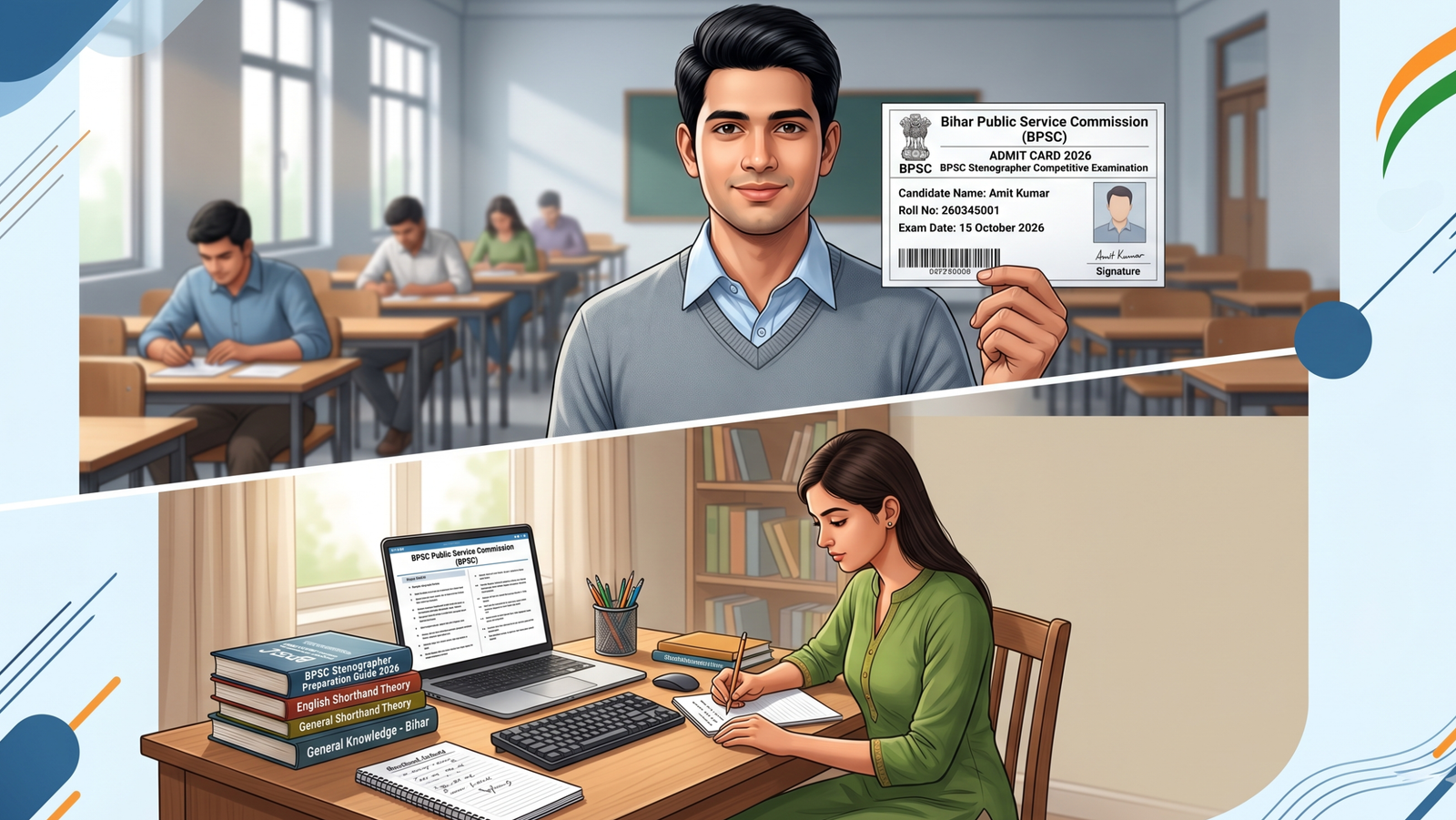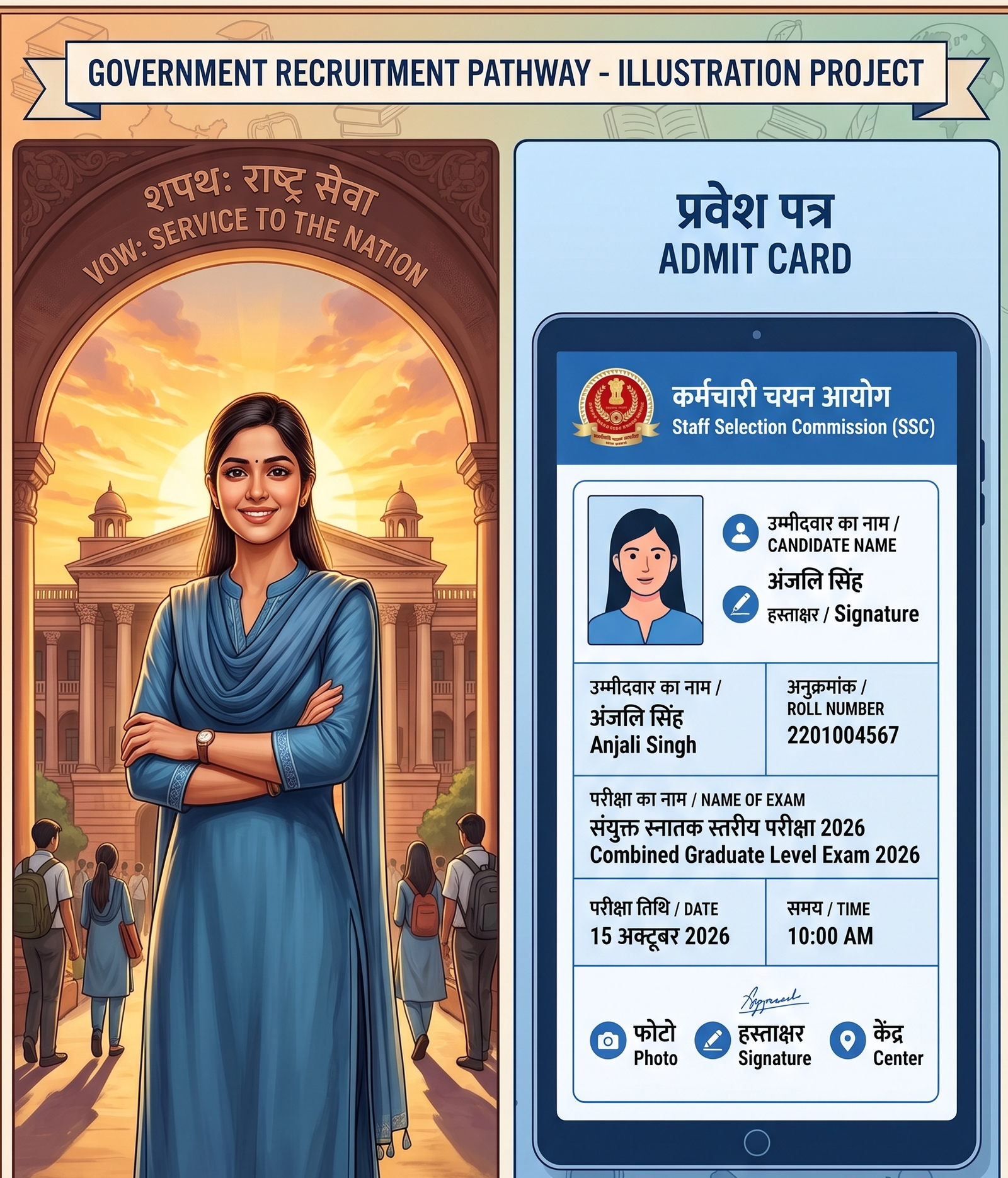
Admit card released! Download your UPPSC GIC Lecturer Hall Ticket for the exam on 14 & 17 June 2026. Check dates, eligibility, steps, and preparation tips.
14 & 17 JunExam Dates
DeclaredAdmit Card
2026Recruitment Cycle
UPPSC.UP.NIC.INOfficial Portal
Table of Contents
- Introduction — Why This Matters
- UPPSC GIC Lecturer 2026 — Overview
- Important Dates & Schedule
- Eligibility Criteria
- How to Download Admit Card
- What’s on Your Hall Ticket
- Preparation Strategy
- Common Mistakes to Avoid
- Key Takeaways
- FAQs
Why This Exam Is a Career-Changing Opportunity
If you have been preparing for the UPPSC GIC Lecturer Recruitment 2026, the wait is finally over. The Uttar Pradesh Public Service Commission (UPPSC) has officially declared the admit card for the Government Inter College (GIC) Lecturer Screening/Main Examination, scheduled for 14 June and 17 June 2026.
This is one of the most sought-after government teaching positions in Uttar Pradesh, offering job security, a competitive pay scale, and the prestige of serving in state-run colleges. In this guide, you will find everything — from the direct download process to last-minute preparation tips — laid out clearly so you can walk into the exam hall with full confidence.
Quick Action RequiredDownload your admit card immediately from the official UPPSC portal at uppsc.up.nic.in and verify all printed details before the exam date.
UPPSC GIC Lecturer 2026 — At a Glance
| Detail | Information |
|---|---|
| Conducting Body | Uttar Pradesh Public Service Commission (UPPSC) |
| Post Name | Lecturer (Government Inter Colleges), UP |
| Exam Name | GIC Lecturer Screening / Main Exam 2026 |
| Exam Dates | 14 June 2026 & 17 June 2026 |
| Admit Card Status | Declared / Released |
| Official Website | uppsc.up.nic.in |
| Mode of Exam | Offline (OMR-based) |
| Language | Hindi / English (as per subject) |
Important Dates & Symbol Calendar
Mark these dates carefully. Missing any step — especially the admit card download window — can jeopardize your exam appearance.
| Event | Date | Status |
|---|---|---|
| Online Application Start | 2025 (Earlier) | Completed |
| Application Last Date | 2025 | Completed |
| Admit Card Release Date | June 2026 | Declared ✅ |
| Exam Date — Day 1 | 14 June 2026 (Sunday) | Upcoming 🔔 |
| Exam Date — Day 2 | 17 June 2026 (Wednesday) | Upcoming 🔔 |
| Result Declaration | To Be Announced | Awaited |
| Document Verification | Post Result | Awaited |
Pro Tip: Set a calendar reminder for 13 June 2026 — one day before — to re-verify your venue, carry printed admit card + ID proof, and reach on time.
Eligibility Criteria — Who Can Appear?
Educational Qualification
- Candidates must hold a Master’s Degree in the relevant subject from a recognised university with at least 55% marks (50% for SC/ST/PwD candidates).
- B.Ed. or equivalent teaching degree may be required for certain posts — check the official notification for subject-wise requirements.
- Candidates appearing in the qualifying exam are not eligible unless results are declared before the cut-off date.
Age Limit (General Category)
| Category | Minimum Age | Maximum Age |
|---|---|---|
| General / EWS | 21 years | 40 years |
| OBC (UP Domicile) | 21 years | 43 years |
| SC / ST (UP Domicile) | 21 years | 45 years |
| PwD (General) | 21 years | 55 years |
Nationality & Domicile
- Must be an Indian citizen.
- Domicile of Uttar Pradesh is required for reserved category age relaxations.
- Knowledge of Hindi in Devanagari script is essential.
Important NoteAlways cross-verify your eligibility with the official UPPSC GIC Lecturer 2025–26 notification PDF available on uppsc.up.nic.in. Rules change with each notification cycle.
How to Download UPPSC GIC Lecturer Admit Card 2026
The admit card (hall ticket) is available only online. Follow these steps carefully:
1
Visit the Official Website
Open uppsc.up.nic.in on a desktop browser for best results. Avoid third-party links.
2
Find the Admit Card Link
On the homepage, look under the “Current Events” or “Admit Card” tab. Search for “GIC Lecturer Admit Card 2026.”
3
Enter Your Credentials
You will need your Registration Number and Date of Birth (DD/MM/YYYY format) to log in.
4
View & Download
Once logged in, your admit card will appear. Click “Download” and save it as PDF.
5
Print Multiple Copies
Print at least 2–3 copies on A4 paper in black & white. Keep one safe at home.
6
Verify All Details
Check your name, roll number, exam centre, exam date/time, and photo immediately after download.
What’s Printed on Your Hall Ticket?
Your UPPSC GIC Lecturer Admit Card 2026 will contain the following mandatory information:
- Candidate’s Full Name (as registered)
- Roll Number / Registration Number
- Father’s Name
- Category (General / OBC / SC / ST / EWS)
- Exam Date(s): 14 June and/or 17 June 2026
- Reporting Time & Gate Closing Time
- Exam Centre Name, Address & Centre Code
- Subject Name & Paper Code
- Candidate’s Photograph & Signature
- Important exam day instructions (UPPSC guidelines)
Documents to Carry on Exam Day
- Printed Admit Card (mandatory — no entry without it)
- One valid government-issued Photo ID: Aadhaar Card, Voter ID, Passport, PAN Card, or Driving Licence
- Two recent passport-size photographs (same as uploaded during registration)
- Blue/black ballpoint pen
Last-Minute Preparation Strategy for 14 & 17 June 2026
With exam day just around the corner, smart revision matters more than heavy new reading. Here’s a focused approach:
Revise Core Topics
Focus on high-weightage chapters in your subject. Revise previous years’ question patterns from 2019–2024.
Time Management
Practice timed mock tests — allocate roughly 1 min per question. Don’t spend more than 90 seconds on any one question.
General Studies
Brush up on UP current affairs, Indian history, and education policy. GK sections carry significant weight.
Rest & Health
Sleep at least 7–8 hours the night before. A rested mind outperforms a tired one under exam pressure.
Locate Your Centre
Visit your exam centre beforehand if possible. Know the route, parking, and nearest transport stop to avoid day-of panic.
No Mobile Inside
Electronic devices are strictly prohibited inside the hall. Leave your phone in a locker or at home.
Subject-Specific Preparation Tips
- Science subjects: Focus on NCERT 11th & 12th + standard reference books. Practice numericals under time pressure.
- Humanities subjects: Read standard university-level texts + UP Board approved content. Focus on analytical answers.
- Commerce subjects: Revise accounting standards, economics fundamentals, and UP-specific business policies.
- Language subjects: Practice grammar rules, comprehension passages, and literary history thoroughly.
Common Mistakes Candidates Make (And How to Avoid Them)
| Mistake | Why It’s a Problem | How to Avoid |
|---|---|---|
| Not verifying admit card details | Wrong centre/date can mean disqualification | Check all fields within 24 hrs of download |
| Reaching the centre late | Gate closes 30 min before exam start | Aim to arrive 60 min early |
| Carrying prohibited items | Cancellation of candidature | Read the UPPSC instructions page carefully |
| Attempting all questions blindly | Negative marking may apply | Check marking scheme; skip only if unsure |
| Ignoring UP-specific GK | Low scores in GS section | Revise UP current events from last 6 months |
Key Takeaways
- UPPSC GIC Lecturer Admit Card 2026 has been officially declared — download it now from uppsc.up.nic.in
- Exam dates are 14 June 2026 and 17 June 2026 — mark your calendar.
- Eligibility requires a Master’s degree with 55% marks (50% for reserved categories).
- Carry printed admit card + valid government photo ID on exam day — no exceptions.
- In the remaining days, focus on revision, mock tests, and locating your exam centre.
- Do not carry any electronic device, mobile phone, or smart watch into the exam hall.
- Always refer to the official UPPSC website for the most accurate and latest updates.
Conclusion
The UPPSC GIC Lecturer Exam 2026 is a pivotal step towards securing a permanent, respected teaching position in Uttar Pradesh’s government college system. Now that the admit card is declared, your immediate priority should be downloading and verifying it — then shifting your full attention to quality revision and exam-day preparation.
Stay updated via the official UPPSC portal, avoid last-minute panic by preparing your documents well in advance, and walk into the exam centre on 14 or 17 June 2026 with calm confidence. Best of luck — your preparation deserves this success.
Frequently Asked Questions (FAQs)
Q1When was the UPPSC GIC Lecturer Admit Card 2026 released?
The UPPSC GIC Lecturer Admit Card 2026 has been officially declared and is available for download on the official UPPSC website (uppsc.up.nic.in). Candidates should download it immediately using their registration number and date of birth.
Q2What are the exam dates for UPPSC GIC Lecturer 2026?
The UPPSC GIC Lecturer Examination 2026 is scheduled for 14 June 2026 (Sunday) and 17 June 2026 (Wednesday). Your admit card will specify which date applies to your subject/paper.
Q3What documents are needed to download the admit card?
You need your Registration Number and Date of Birth (in DD/MM/YYYY format) to log in to the UPPSC portal and download your GIC Lecturer Hall Ticket 2026.
Q4What is the educational eligibility for UPPSC GIC Lecturer 2026?
Candidates must hold a Master’s Degree in the relevant subject with a minimum of 55% marks from a recognised university. SC/ST/PwD candidates require 50%. A B.Ed. or equivalent may be needed depending on the subject post.
Q5Can I use a mobile phone inside the UPPSC GIC exam centre?
No. Mobile phones, smartwatches, calculators, and all electronic devices are strictly prohibited inside the examination hall. Carrying prohibited items may lead to immediate cancellation of candidature.
Q6What happens if there is an error in my UPPSC GIC Lecturer admit card?
If you notice any discrepancy — such as a wrong name, photo, or centre — contact the UPPSC helpdesk immediately through the official portal. Do not appear for the exam with an incorrect admit card without resolving the issue first.
Q7Is there negative marking in the UPPSC GIC Lecturer exam?
Candidates should refer to the official UPPSC GIC Lecturer 2025–26 notification for the exact marking scheme. Typically, UPPSC screening exams follow a standard marking pattern. Always confirm before attempting uncertain questions.